–2020.8.1.update
After trying various methods to compile OpenWrt, I found that I only needed to compile its plugins on the corresponding platform, without struggling with the sea of options in Make MenuConfig. In the end, I made the choicehttps://github.com/SuLingGG/OpenWrt-RpiCompiled images based on the official version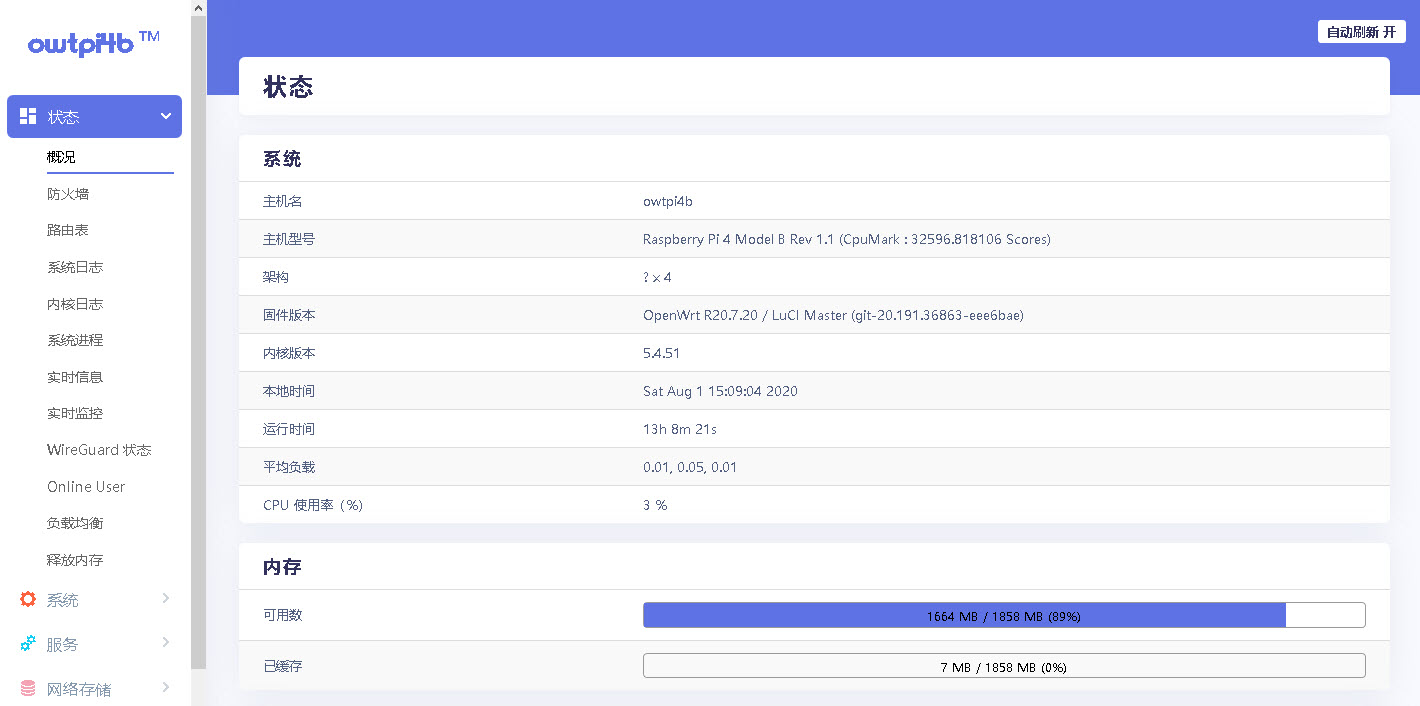
Done:
1、wifi热点
2、内网穿透
3、百度网盘离线
4、KMS激活
5、你懂的
Summary:
1. Compiling oepnwrt took a lot of time and tried three compilation methods:
1.1. Local compilation: Compiling locally in Ubuntu. Advantages: Cheap, fast; Disadvantages: Code sources and update sources default to foreign countries, slow and unstable, requiring wall support.
1.2. Remote compilation: compiling in the VPS on Google Cloud. Advantages: Surprisingly fast access to and update code sources; Disadvantages: Long compilation time and requires SSH to maintain connections, but SSH is too stable and requires support.
1.3. Online Compilation: Configuring GitHub's online compilation feature is really powerful. The only downside is that configuration is a bit complicated and requires some time to learn—so far, I haven't succeeded in configuring it :(–.
2. There were a few pitfalls during the setup process of OpenWrt:
2.1. Configure the WAN port as a DHCP client (aiming for hot-swapping in various environments). If you cannot access the internet for unknown reasons, change it to a static address. It is suspected that the gateway address was not correctly obtained when obtaining the IP address, and it remains unresolved to this day.
2.2 When setting WiFi hotspots, use 802.11N mode; no devices can find hotspots, so you must use legency mode. Not all devices are old devices, and this issue remains unresolved.
2.3. After trying DDNS, I realized there was no public IP address. Back in the ADSL era, telecom PPPoe had public IPs, but it was just dynamically allocated. Now, fiber access is a private IP, so DDNS is not suitable.
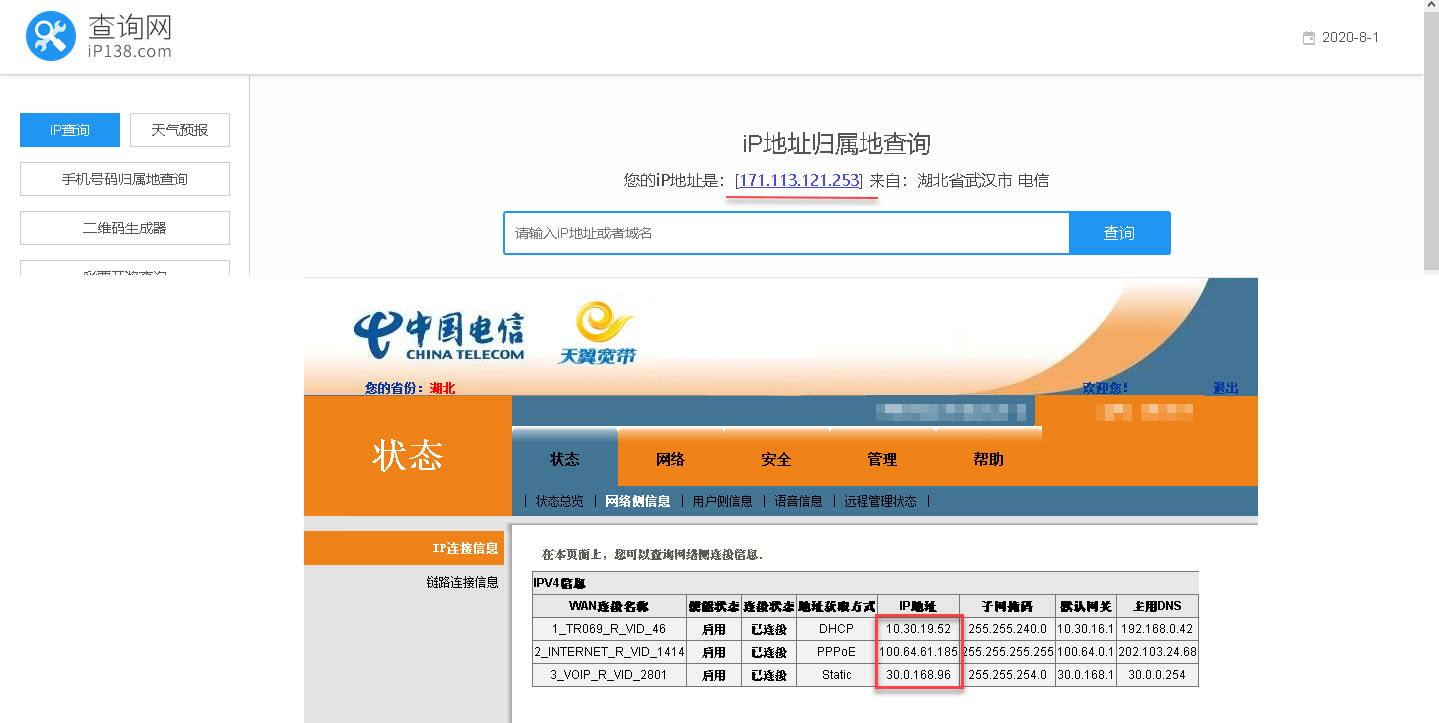
Using FRP intranet traversal (requires hosting a server on the public network for forwarding), reference tutorial:https://github.com/fatedier/frp/blob/master/README_zh.md
2.4. When performing intranet traversal, all ports can be accessed normally except for web issues. Firefox, Chrome, and Edge all show ERR_UNSAFE_PORT. Because port mapping is performed, external networks accessing the internal network's web are http://xxx.xxx.com:6000 in the browser's address bar, and the external port number maps to the internal network port 80, so the browser will give an insecure port error. Configure non-standard web ports in the browser. For Firefox as an example: about:config-> Create a new String type item network.security.ports.banned.override with a value of 6000
Plan:
1、在树莓派上做一个php+mysql站点,用作本站点的同步备份。然后在后面拖一个nas,做私有云盘。
2、用树莓派做一个wifi mesh,用于无线信号范围扩展
3、加一个摄像头监控
–2020.7.8.update
Trigger:
1、不要用root权限编译(不要sudo,否则由于权限问题编译失败)
2、一定要加梯子,否则由于curl下载失败导致编译失败,即使加了梯子,也不知道中国电信(小区内因修宽带断网已经搞了好几次了)抽的是什么风,境外ping值奇高,很像被ddos的感觉。无奈在谷歌云上创建了一台ubuntu 18.4 lts,在它上面编译顺利多了(虽然前端无需梯子,但本地网络还是需要稳定)
3、make menuconfig的时候,最后全部配置好了save的时候一定是.config,编译过程默认加载.config。可以save一个备份(如a.config),加载备份的a.config最后save的时候还是需要save到.config中,否则按全部默认选项编译
4、编译错误,由于make命令的V=s参数会输出详细的编译信息,所以出错后可以依据输出的线索查找解决办法
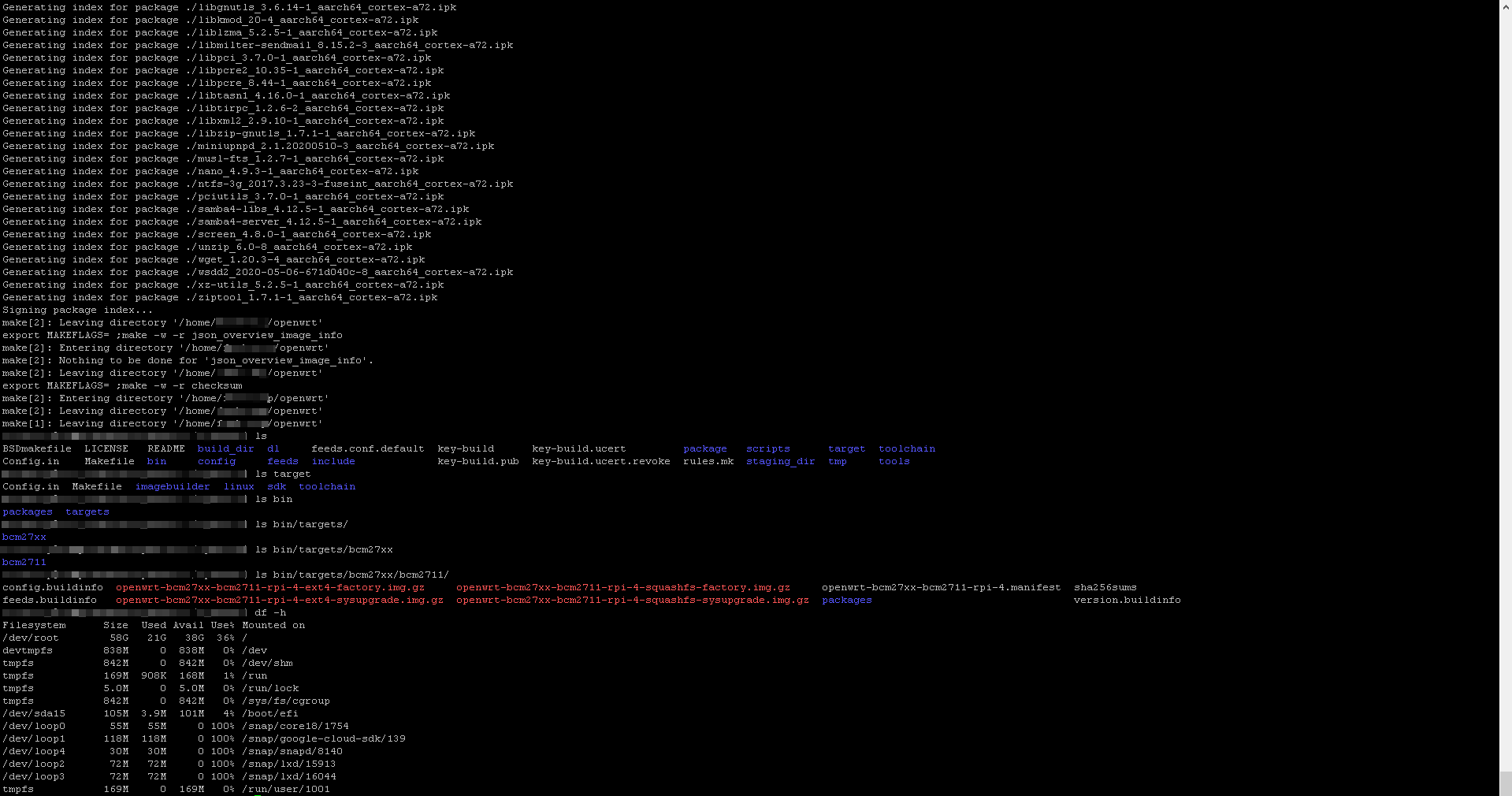
5、root分区太小(20G)导致磁盘空间不足,编译完占用的磁盘空间21G,在menuconfig中选择的配置项越多占用的磁盘空间越多(猜测),创建虚拟机的时候,磁盘空间给大一点(64G)
–2020.6.30.update
My main job is compiling OpenWrt for Raspberry (you can also download the compiled release version). I chose to compile because I've always played with others' OpenWrt, so I decided to try it myself.
Approach:
1、在windows10上用vmware做一个Ubuntu 18.04.4 LTS的虚拟机,用作编译环境(2020.7.8.update:用谷歌云上的虚拟机进行编译更方便,除了谷歌云的控制台需要梯子访问,虚拟机本身是不需要梯子的,直接ssh上去就可以)。
2、在ubuntu上做一个全局代理(Privoxy)为了编译过程稳定不中断(由于你懂的原因,诸如apt, git, wget, curl等在访问一个国外源的时候,有可能无法访问),前端需要一个梯子(流行的s、r、t都可以)
3、下载源码,配置参数,编译。