Here are some pitfalls during the process: 1. The compatibility between Linux and application versions is also quite important. The first installation followed the Ubuntu 18 tutorial but failed, so the second time came a newer tutorial. 2. When modifying the synapse configuration file, the bind_addresses: parameter of listeners: was set to an external IP. This is mainly a misunderstanding. Although Matrix can directly open ports to external users, the official recommendation is to use reverse proxy for the web server. 3. After installation, verification still couldn't connect. After pondering for a while, I suddenly realized that port 8448 does not have firewall rules configured in the cloud.
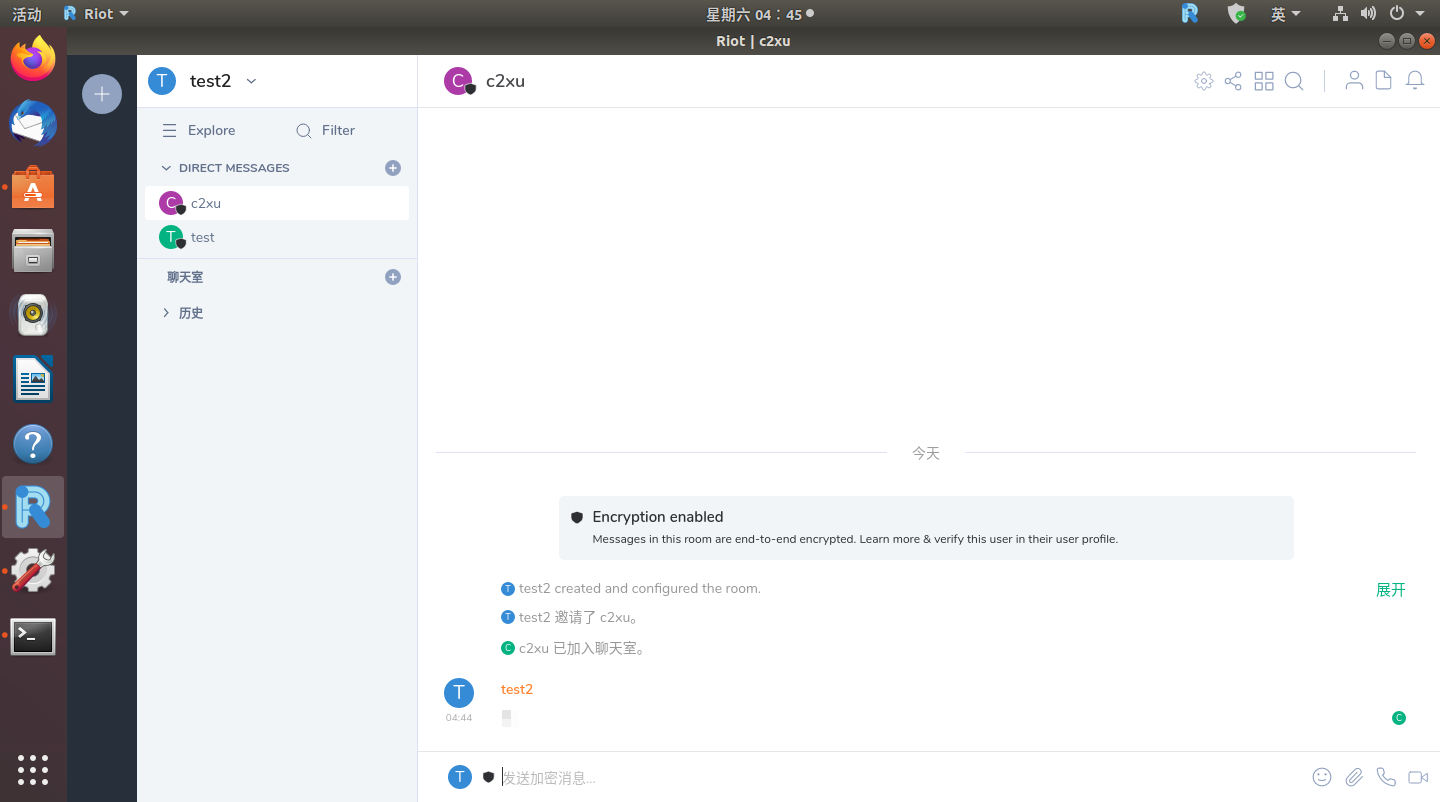
Both macOS and iOS support clients, but since I don't have a running environment, I won't test them one by one. OthersDownload linkSee details for details.
Usage:
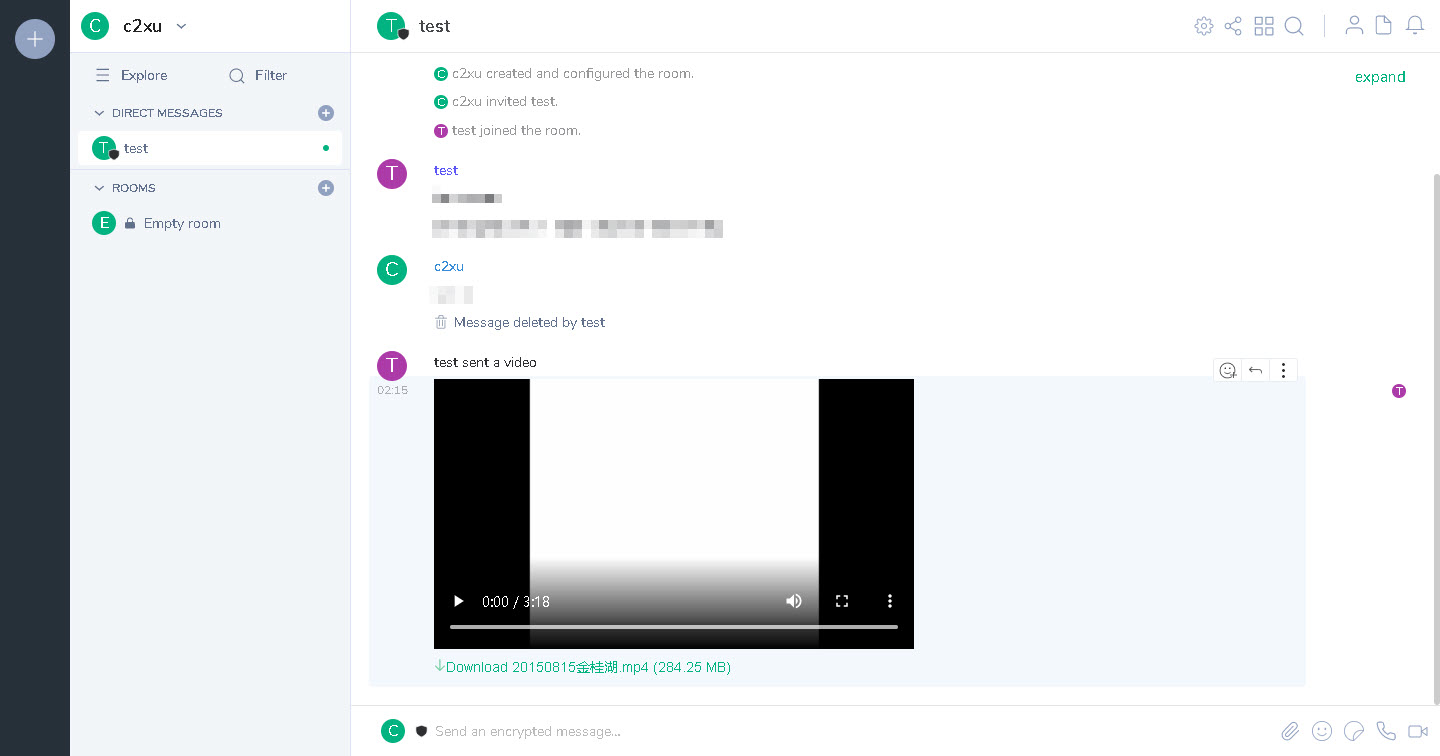
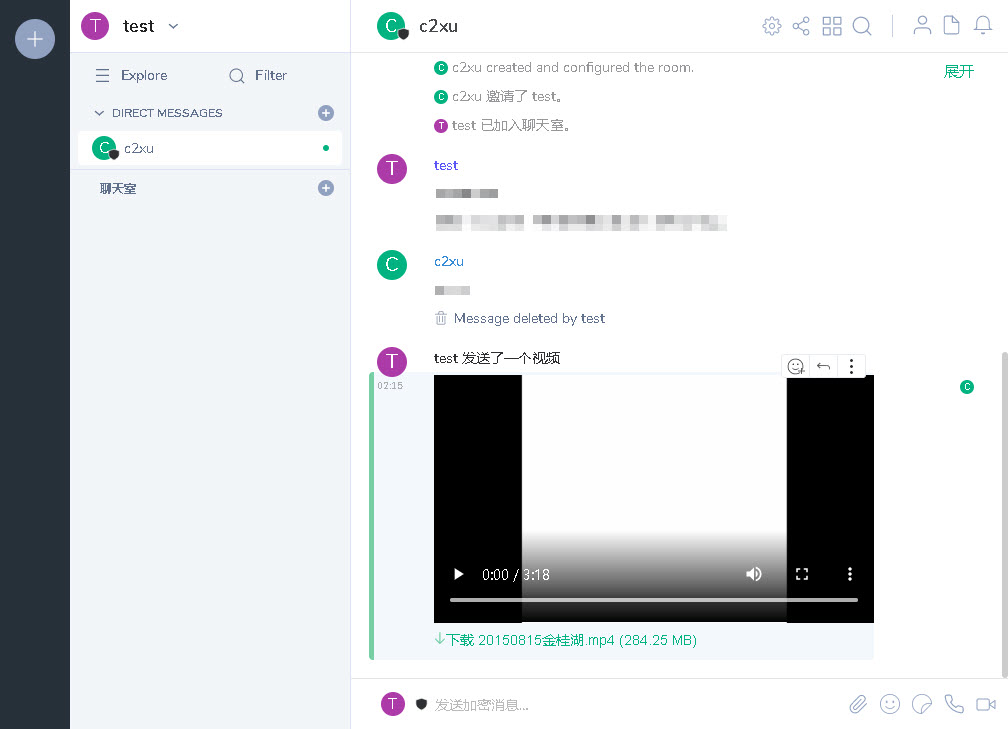
Browser: Go to Node - > Register Account - > Login
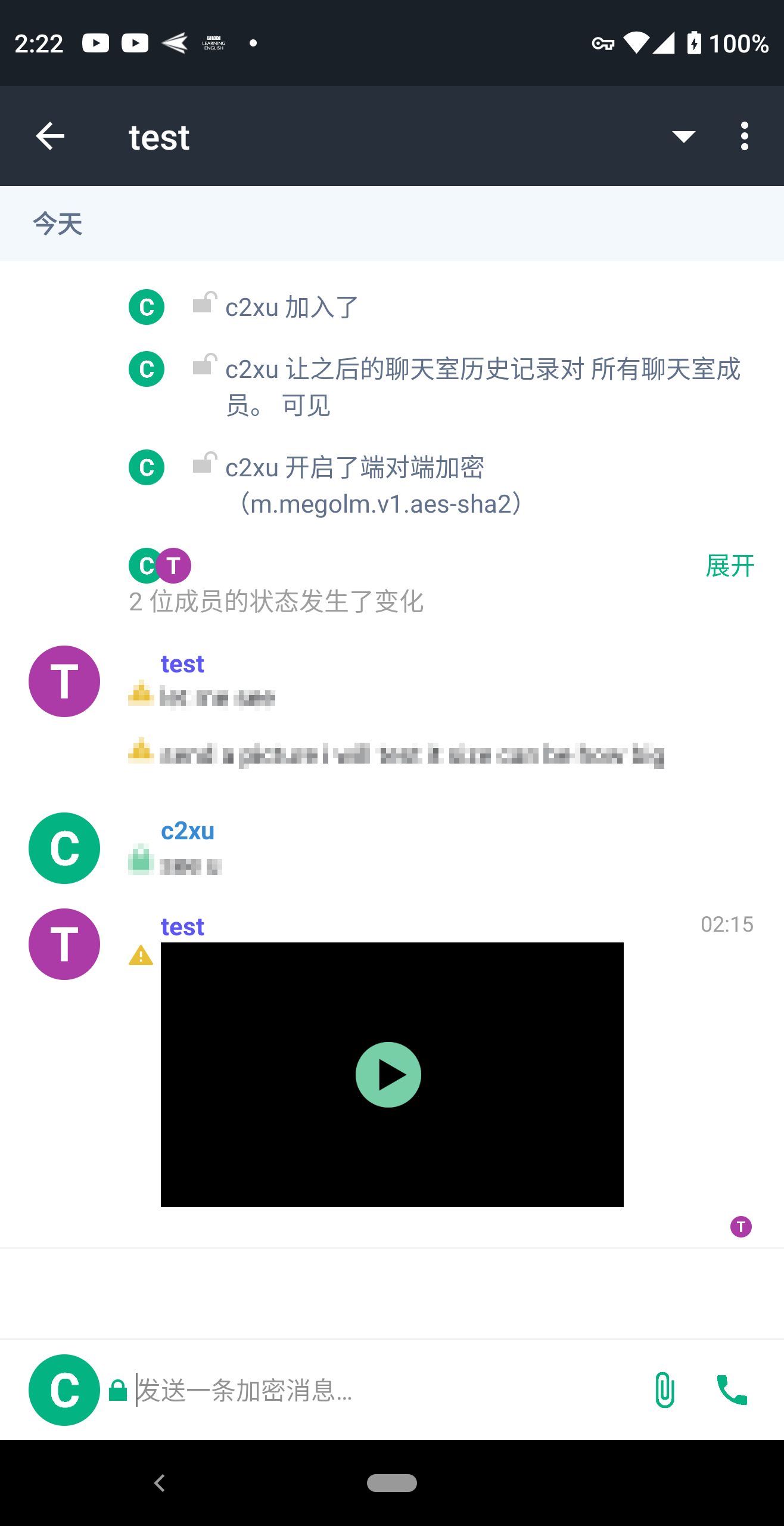
Client (applicable to all systems): Download the client program - > install - > run - > register an account - > login
Due to private use, the address will not be disclosed.